

I keep hearing the same push: start using AI in your workflows. But that’s easier said than done! In enterprise environments, AI isn’t just a quick productivity fix—it also raises harder questions around data control, governance, and risk.
According to IDC, 42% of organizations cite concerns about GenAI jeopardizing control of data and intellectual property as a major barrier to adoption. [1]
I think that’s the real issue for CIOs now—not whether to invest in AI, but how to use it in ways that improve productivity without creating new security, compliance, and management concerns.
That’s where Galaxy AI for business comes in.
Samsung
Increase productivity throughout the workday
A lot of AI value depends on whether it actually saves time during the workday. I’ve noticed that inefficiencies tend to show up in the same parts of the workflow: piecing together fragmented information (bonus points if it’s across different platforms!), figuring out what actually mattered in a meeting, losing time to research and source-checking, and identifying action items for your team.
None of it sounds particularly time-consuming on its own, but together, it can quietly add up to a meaningful amount of lost productivity.
Galaxy AI tackles those routine pain points in a few key ways:
- Start with better context: Now Brief [2] brings timely information together at a glance, helping employees get ready for the day faster.
- Capture meeting takeaways faster: Note Assist [3] and Transcript Assist [4] organize notes, generate summaries, support translations, and turn recordings into more usable outputs.
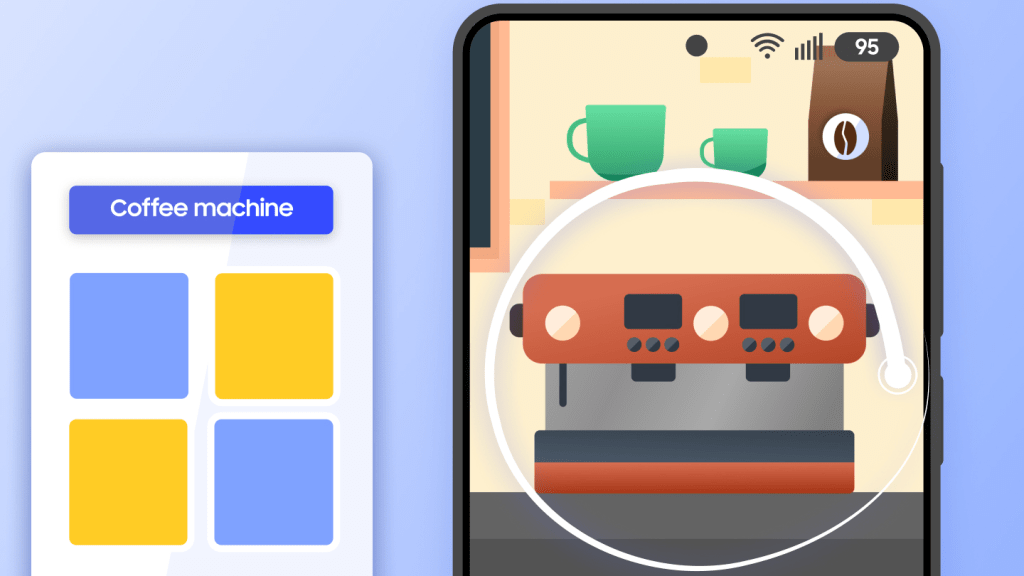
- Find information faster: Browsing Assist and Circle to Search [5] make research, source-checking, summarizing, and translation easier without interrupting workflows.
- Turn insights into action: Google Gemini [6] supports deeper research, live on-screen assistance, and seamless actions across apps.
TLDR: Galaxy AI helps reduce routine bottlenecks, making day-to-day work more organized, efficient, and easier to move through.
Simplify communication across the business
Samsung
Communication has a way of getting messy in ordinary, unremarkable ways. A call moves too quickly, and someone misses a key detail. A message needs to be translated, then rewritten so it still sounds natural. The one that gets me the most is reworking the same email draft over and over because the tone is somehow still off.
If this sounds familiar, that’s because it is—and when it keeps happening across calls, chats, and teams, it eats up more of the workday than it should.
This is where Galaxy AI can cut down on that unnecessary back-and-forth:
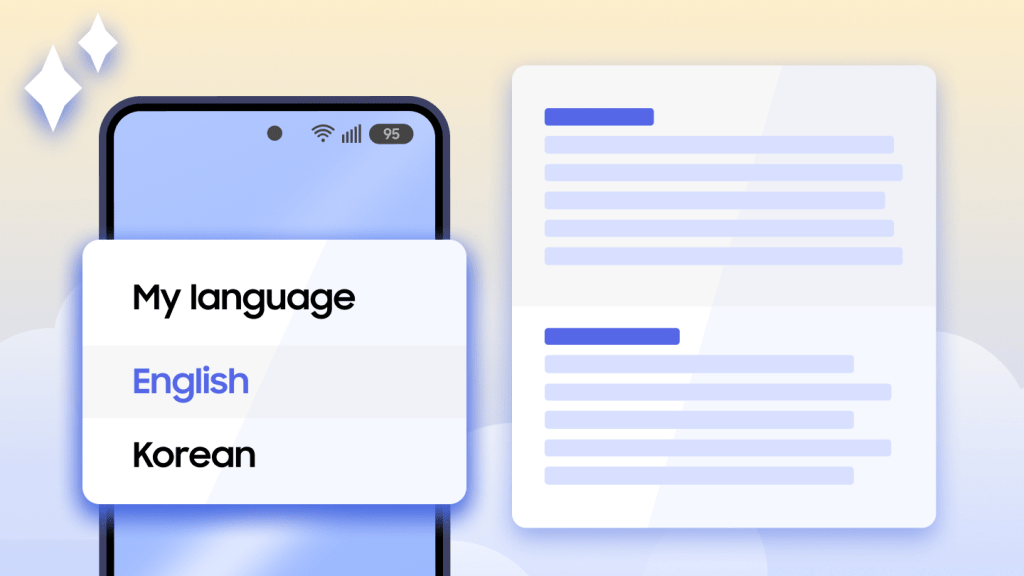
- Break through language barriers: Call Assist and Interpreter support real-time translation for calls and face-to-face conversations in supported languages.[7]
- Capture key points faster: Call Transcript turns recorded calls into searchable text and concise summaries.
- Keep multilingual messaging moving: Chat Translate makes it easier to send messages across languages.
- Draft more polished business writing: Style and Tone and Composer help refine grammar, adjust tone, and create more professional emails and messages.
TLDR: Galaxy AI reduces communication delays by helping teams communicate across languages and spend less time revisiting calls or reworking messages, enabling them to stay clear, responsive, and aligned.
Keep AI on enterprise terms
Samsung
Finally, we need to address the elephant in the room for AI adoption. Once employees start using AI to summarize meeting notes, process internal information, or speed up every day work, enterprises need to know where that data goes (like whether it’s retained or used for model training) and how much control IT actually has.
To address those concerns, Galaxy AI is built around a few important safeguards:
- Start from a secure device foundation: Samsung Galaxy devices are protected by Samsung Knox, with multi-layered protection across hardware and software from the moment the device powers on.
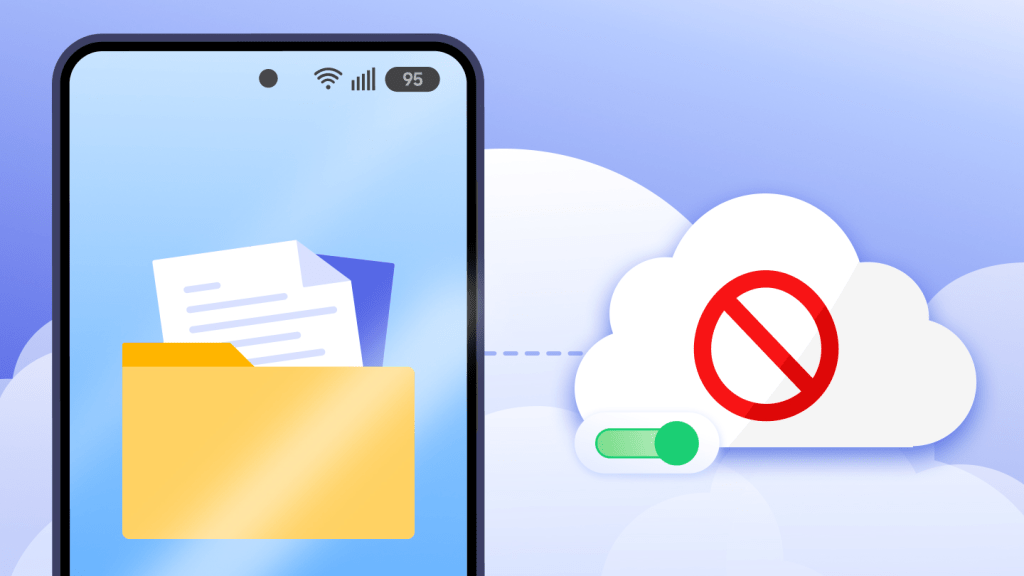
- Give sensitive workflows a more secure path: Compatible Galaxy AI features can use on-device processing to keep key tasks and data on the device, while Knox Service Plugin lets admins disable cloud processing for compatible features. For cloud-based Galaxy AI features, data isn’t retained by Samsung or Google or used for model training.
- Keep business AI use tied to the company: Samsung Account for Business lets employees use Galaxy AI through company-managed accounts, so corporate data stays with the organization rather than the individual. That means AI use for work doesn’t walk out the door with a personal account when an employee leaves.
TLDR: Galaxy AI helps reduce one of the biggest barriers to enterprise AI adoption by giving organizations clearer guardrails around data handling, cloud exposure, and IT oversight.
Take the next step with Galaxy AI for business
By now, we know that AI can save time. The harder question is whether those benefits can be delivered without losing control over security, access, and device management.
Galaxy AI for business starts to answer that by combining productivity features with stronger security and more deliberate IT oversight.
Ready to adopt mobile AI into your enterprise workflows with more security and control? Explore Galaxy AI for business [8] to see how it can support your organization.
[1] Source: IDC, Are You Ready for AI Everywhere?, October 2023. Based on IDC GenAI Awareness, Readiness and Commitment Survey.
[2] The information displayed in Now Brief may vary depending on apps used. Some apps may require internet connection and user consent for data access. Personal data intelligence must be enabled.
[3] Note Assist features are available only within Samsung Notes. A Samsung account login and internet connection are required. Text input may be limited to 200-4,000 characters.
[4] Transcript Assist is only available only with recordings using Samsung Voice Recorder and audio files under three hours. Summarizing features are available for text in Samsung Notes only, with input limits of 200-4,000 characters. Translation features require language presets, a Samsung account login, and an internet connection. Results and quality may vary depending on input and recording conditions.
[5] Circle to Search works with compatible apps and requires an internet connection. Results may vary depending on visual matches.
[6] Google Gemini is a trademark of Google LLC. Gemini Live features require an internet connection and a Google account login. Feature availability may vary depending on subscription, region, and device. Accuracy of results isn’t guaranteed, and use is limited to users 18 years and older.
[7] Call Assist and Interpreter features availability and supported languages may vary by region. A Samsung account may be required, and some language may need to be downloaded. For details on supported languages by feature, visit the Samsung Galaxy AI page.
[8] A Samsung account login may be required to use certain AI features. Samsung doesn’t make any processes, assurances, or guarantees as to the accuracy, completeness, or reliability of the output provided by AI features. Availability of Galaxy AI features may vary by device model. Galaxy AI features will be provided for free until the end of 2025 on supported Samsung Galaxy devices. Different terms may apply for AI features by third parties. Galaxy AI features may be limited for minors in certain regions with age restrictions on AI usage.
Read More from This Article: Samsung Galaxy AI for business: Productivity meets security
Source: News